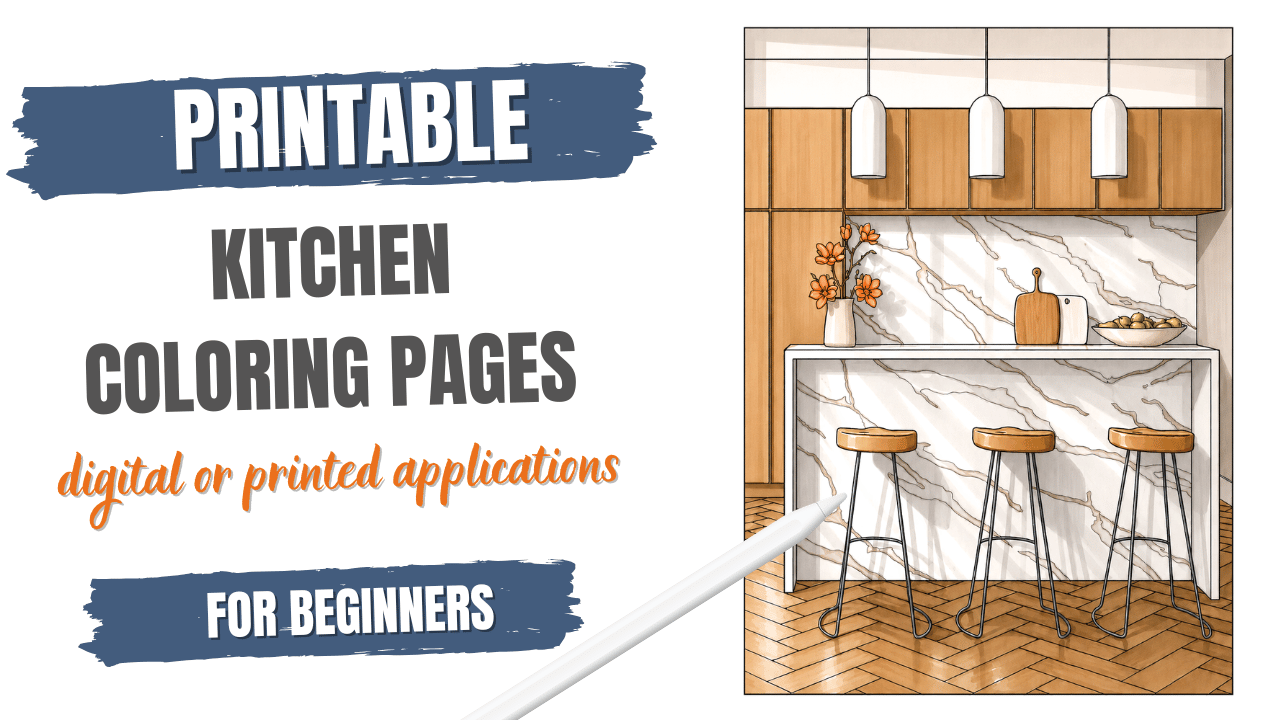
Looking for a great way to unwind and express your creativity? Dreaming up beautiful kitchen spaces while you do it? Dive into the world of kitchen coloring pages and kitchen-themed coloring sheets!
There are countless designs of kitchen line art available online, many of which are entirely free to download. These pages feature intricate line art that is just waiting for your personal touch.
Most kitchen coloring pages come as high-quality images you can easily print at home. Pick your favorites, hit print, and you’re ready to color.
Coloring these pages is not only relaxing, it’s also a fun way to sharpen your skills. You can even find inspiration from video clips or other artists’ creations.
Remember to share your finished masterpieces on social media. You never know who you might inspire!
Article Outline
- Kitchen Coloring Pages
- Benefits of Working with Kitchen Drawings
- Where to Find Digital Kitchen Coloring Pages
- How To Download and Import Coloring Pages
- How to Print Digital Kitchen Coloring Pages
- Coloring Kitchen Drawings on Paper
- Digital Coloring on a Computer or Tablet
- Final Thoughts
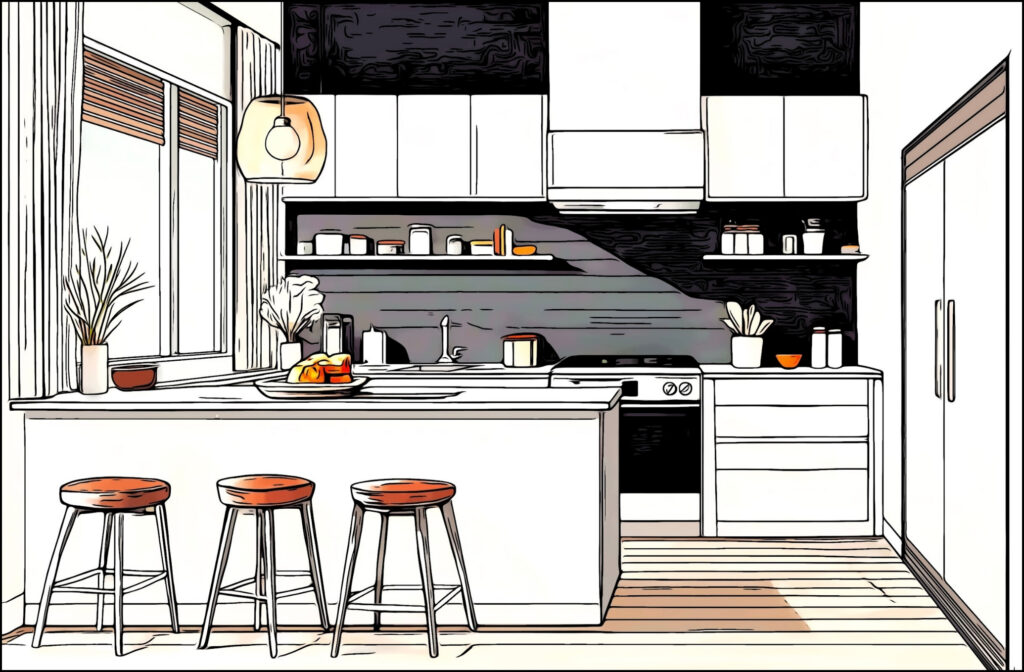
1. Kitchen Coloring Pages
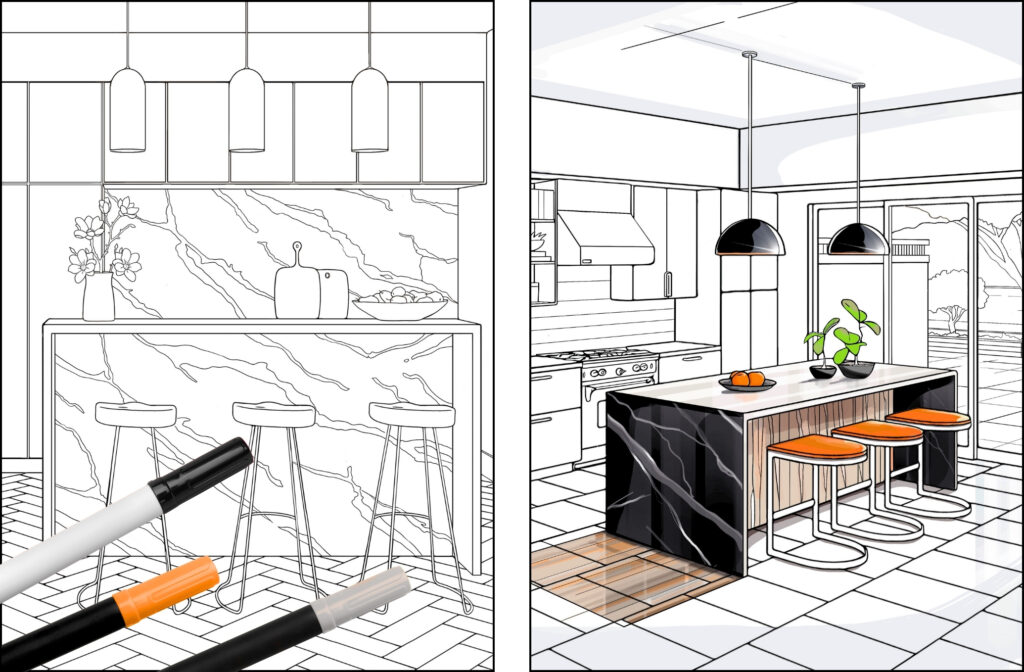
Coloring pages are black-and-white line drawings made for coloring. They’re available as digital files—like PDFs, JPGs, or PNGs—and can be printed from your home printer.
Kitchen coloring pages are a fun subset of interior design coloring books. They focus on kitchens, kitchen elements, and related objects. Think cabinets, appliances, counters, and even dining nooks.
These pages offer a creative way to explore kitchen design. You can play with different styles and try out color combinations—all without lifting a hammer or picking out paint swatches.
In this article, we’ll cover a variety of adult kitchen coloring pages. From modern to farmhouse styles, we’ll explore their benefits, where to find them, and how to download and print your favorites. We’ll also discuss digital coloring options using apps like Procreate (on iPad) and Adobe Photoshop.
One big advantage of printable coloring pages is their flexibility. Unlike bound coloring books, you get to choose your paper. Use thick cardstock for markers. Go with watercolor paper for a brushy, painterly effect. Or opt for smooth Bristol board for colored pencils.
When working with kitchen line art for coloring, you also have control over size. Scale your pages up for a large-format coloring experience or shrink them down for more detailed, precision work. That freedom is a huge perk for serious colorists.
Prefer digital? You can open these coloring pages in apps like Procreate or Photoshop and color them on your device. It’s a great option if you like layers, blending, or the freedom to undo.
Kitchen coloring sheets come in all kinds of designs. Some show full kitchen scenes with cabinets, countertops, islands, appliances, and dining areas.
You’ll find everything from sleek modern kitchens to cozy, detailed traditional ones. Like adult coloring books in other themes, they range from simple outlines to intricate illustrations.
Some pages focus on countertops—like granite, marble, quartz, or butcher block—so you can color in patterns and textures. Others highlight cabinet styles, door designs, and decorative hardware.
Appliances are often front and center, too. Stoves, refrigerators, ovens, dishwashers, microwaves, and even toasters and blenders make an appearance.
Many drawings feature backsplash designs, tile patterns, and mosaics. You’ll also see sink styles, island and peninsula layouts, and charming dining setups with tables, chairs, and breakfast nooks.
And don’t forget the finishing touches—plants, cookware, dishes, utensils, wall art, lighting fixtures, and open shelving filled with beautiful objects.
These detailed kitchen pages let you explore interior design in a relaxing way. It’s a no-pressure, creative outlet for experimenting with style and color.
Whether you’re a design lover, an avid colorist, or just looking for a new creative hobby, kitchen coloring pages are a fun way to spark your imagination.
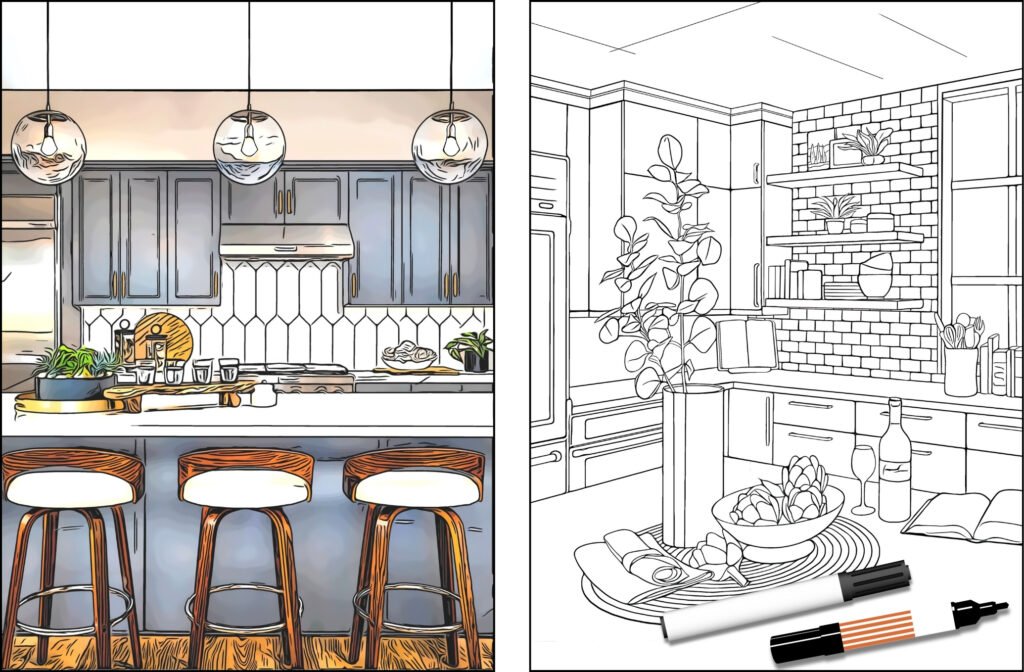
2. Benefits Of Working With Kitchen Coloring Pages
Interior design coloring pages are a great way to spark creativity, unwind, and explore design concepts. They’re perfect for aspiring designers and design enthusiasts alike.
If you’re new to interior design, these pages offer a low-pressure way to explore. Try different color palettes, play with patterns, or rearrange furniture without making real-world changes.
They give you a hands-on introduction to design principles. As you color, you understand how different elements work together in a space. It’s a fun way to build visual literacy and get comfortable with design basics.
Kitchen drawings, in particular, are super versatile. Use them to brainstorm new ideas, test out bold color combinations, or relax and let your mind wander.
Finished pages can even double as inspiration for real-life decor projects. Think of them as personalized mood boards or visual references for your dream kitchen.
Best of all, interior design coloring pages are accessible and affordable. You don’t need fancy tools or design experience—just a love of creativity and a few coloring supplies.
They offer a simple, enjoyable way to explore the world of interior design. Along the way, you’ll reduce stress, flex your creative muscles, and maybe even get inspired for your next home project.
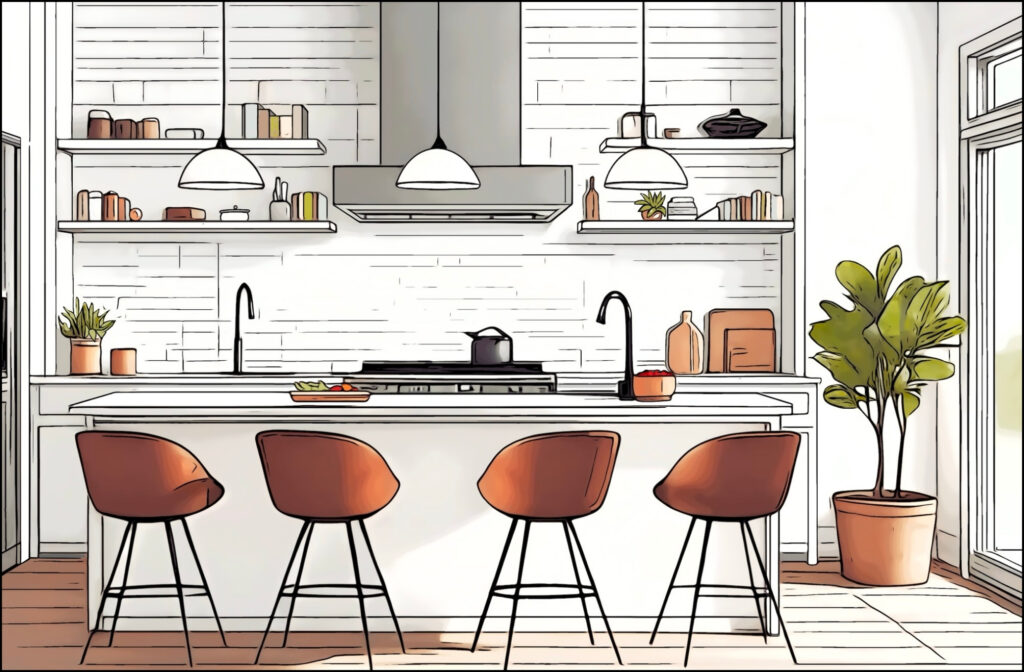
3. Where To Find Printable Kitchen Drawing Pages
You can find digital kitchen coloring pages all over the internet. There’s something for everyone—whether you’re looking for free downloads or willing to support independent artists with a small purchase.
Start with a simple search. Try terms like “kitchen coloring pages,” “interior coloring pages,” or “printable kitchen designs.” You can also use phrases like “adult coloring pages interiors,” “interior design coloring,” or “adult coloring kitchen.”
Want something specific? Add style keywords to your search. Try “modern kitchen coloring page,” “farmhouse kitchen line art,” or “boho kitchen coloring.”
Etsy is a great place to start. It’s a massive marketplace for digital goods, including coloring pages. Independent artists sell unique designs, sometimes bundled into themed sets or books.
You can also check out websites that specialize in printable coloring pages. A few popular ones include JustColor.net, Coloring Home, and TopColoringPages.net. These sites offer a mix of free and paid options.
Marketplaces and stock photo sites are other good sources. Check out Creative Market, Envato Elements, or Freepik (which has both free and premium content). When browsing, search with terms like “kitchen line art,” “interior outline illustration,” or “kitchen sketch.”
Don’t forget about social media. Many independent illustrators promote their work on platforms like Instagram and Pinterest. They often sell digital downloads through personal websites or linked shops.
To discover new artists, search hashtags like #interiorcoloring, #kitchenillustration, or #coloringpages on Instagram. You can also simply browse Pinterest for beautiful and unique designs.
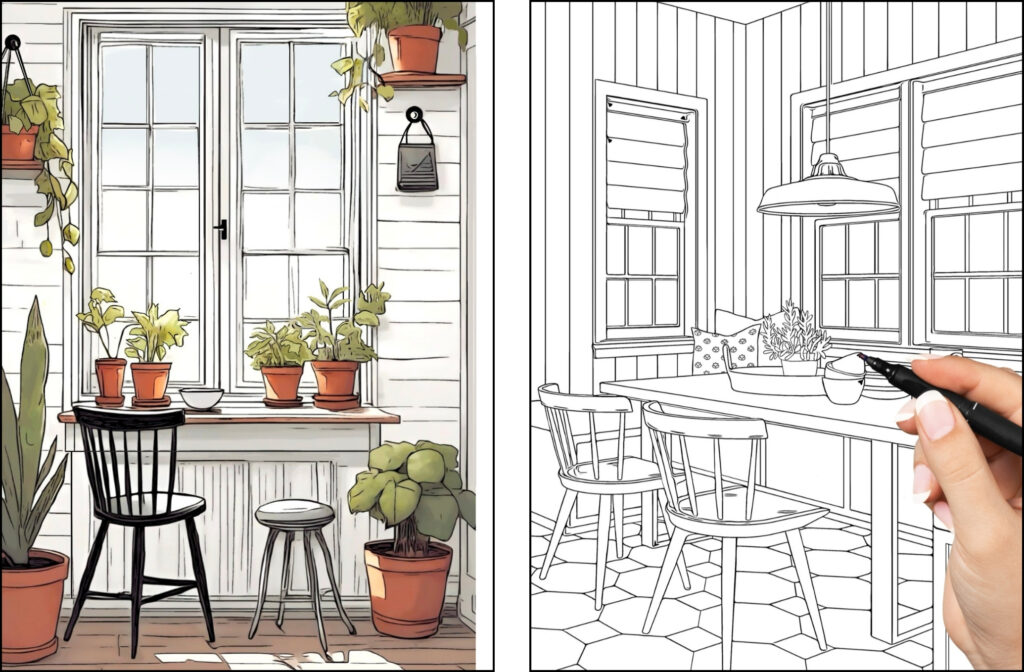
4. How To Download and Import Coloring Pages
What Does “Digital” Really Mean?
A digital kitchen coloring page is a computer file. You usually download it from a website, an online store like Etsy, or receive it by email. It’s not a physical page—at least, not yet.
You get the file first. Then, it’s up to you to either print it out or open it for digital coloring.
What Makes a File “Printable”?
A printable coloring page is a digital file formatted for standard paper sizes like US Letter (8.5×11″) or A4. These files are designed to be easy to print at home.
They usually come in high resolution, so the lines print crisp and clear. The layout is set to fit the page just right, with no weird cropping or resizing needed.
How to Use Digital Coloring Pages
Your setup determines how you use your digital coloring page. If you want to color on paper, print it. If you prefer coloring on your tablet or computer, open the file in a drawing app.
PDFs are often your best bet for printing. They preserve layout, scale, and line quality. If you’re coloring digitally, JPG or PNG files are usually easier to import into apps like Procreate or Photoshop.
Always look for high-resolution files—300 DPI is ideal for sharp, professional-looking prints.
A Quick Note on Terms of Use
Most free coloring pages are for personal use only. That means you can color them for fun, but not sell or use them commercially.
If you’re purchasing pages, double-check the license. Some artists offer extended rights if needed, but always make sure you have permission.
Never resell or redistribute digital files unless you have explicit approval from the creator. Respecting artists’ work keeps everyone’s creativity flowing.
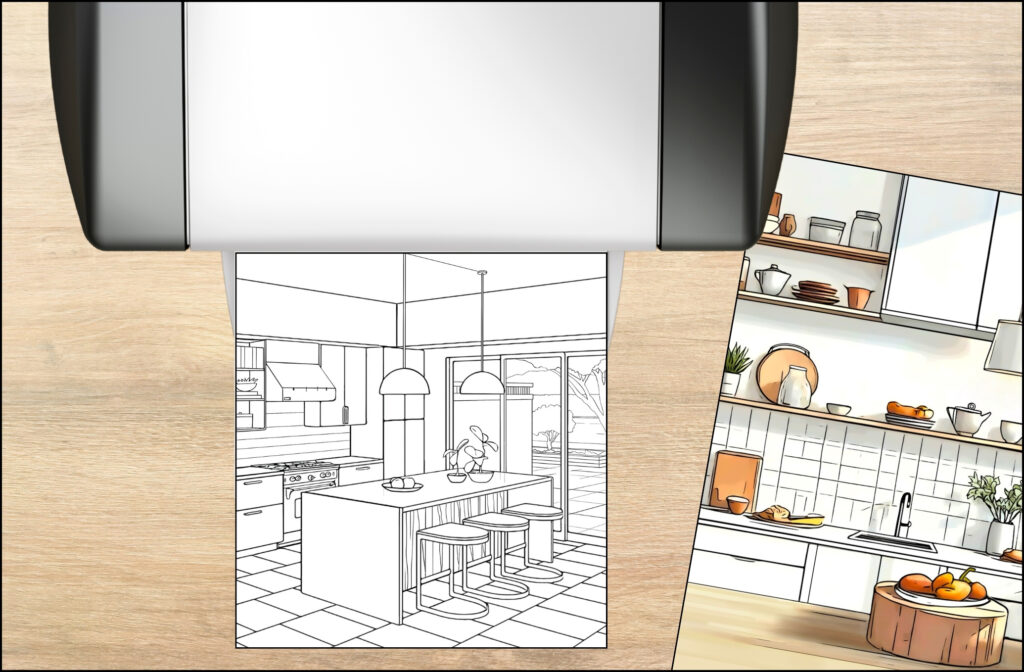
5. How To Print Kitchen Coloring Pages
Printing your kitchen coloring pages is simple, especially if you plan to use traditional media like colored pencils or markers. Still, a few key tips help you get the best results.
Step 1: Get the Digital File
Start by obtaining the digital file. You can download it from a website (free or paid), purchase it from an Etsy seller, grab it from an artist’s website, or even use one you created yourself.
Most printable coloring pages come in one of three common file formats:
- PDF (Portable Document Format) – Recommended. It preserves formatting and layout so your page prints correctly.
- JPG/JPEG (Joint Photographic Experts Group) is a common format for photos. It is good quality, but resizing can reduce clarity.
- PNG (Portable Network Graphics) – Great for line art and graphics. It supports transparency and avoids quality loss.
Step 2: Open the File
To open a PDF, you’ll need a PDF reader. Most computers have one built-in, like Adobe Acrobat Reader or Preview (on macOS). Your web browser can usually open PDFs too.
JPG and PNG files will open with your default image viewer or any basic photo editor.
Step 3: Check the Page Size and Orientation
Most coloring pages are sized for US Letter (8.5 x 11 inches) or A4 (210 x 297 mm) paper. Before printing, check the file’s intended size.
Also, confirm the portrait or landscape orientation so your image fits properly on the page.
Step 4: Adjust Printer Settings
Open your print dialog by going to File > Print or using the shortcut Ctrl+P (Windows) or Cmd+P (Mac). The settings might look a little different depending on your computer and printer, but here’s what to check:
- Paper size: Choose US Letter or A4, depending on your file.
- Orientation: Match this to the image’s layout (portrait or landscape).
- Scale and fit:
- Fit to Page or Shrink to Fit adjusts the image to fit the printable area.
- Actual Size prints the original size—use this only if the image fits your paper and printer margins.
- Print quality: Select “Best” or “High” quality for crisp lines.
- Color setting: Choose “Color” even if the image is black and white. This often results in sharper lines than “Grayscale.”
- Paper type: Match the setting to your actual paper, such as “Plain,” “Thick Paper,” or “Cardstock.”
Step 5: Test Before You Commit
Before printing a full set or a large design, do a test print. This will save ink, paper, and frustration.
Once you’re satisfied, go ahead and print your kitchen coloring pages. Just remember to double-check:
- Fit settings
- Paper size and orientation
- Paper thickness (to avoid jams)
Advanced Tips for Even Better Results
Borderless printing: Some printers can print right to the edge. Only use this if the image allows for it—make sure important details aren’t near the margins.
Avoid double-sided printing unless you’re sure your markers won’t bleed through.
Use a print shop if you’re printing on thick paper or want to use alcohol markers. Some home printers struggle with heavy cardstock or specialty paper.
Following these tips will print your digital kitchen coloring pages beautifully. Then, all that’s left to do is relax, grab your favorite markers or pencils, and start bringing those dreamy kitchen spaces to life!
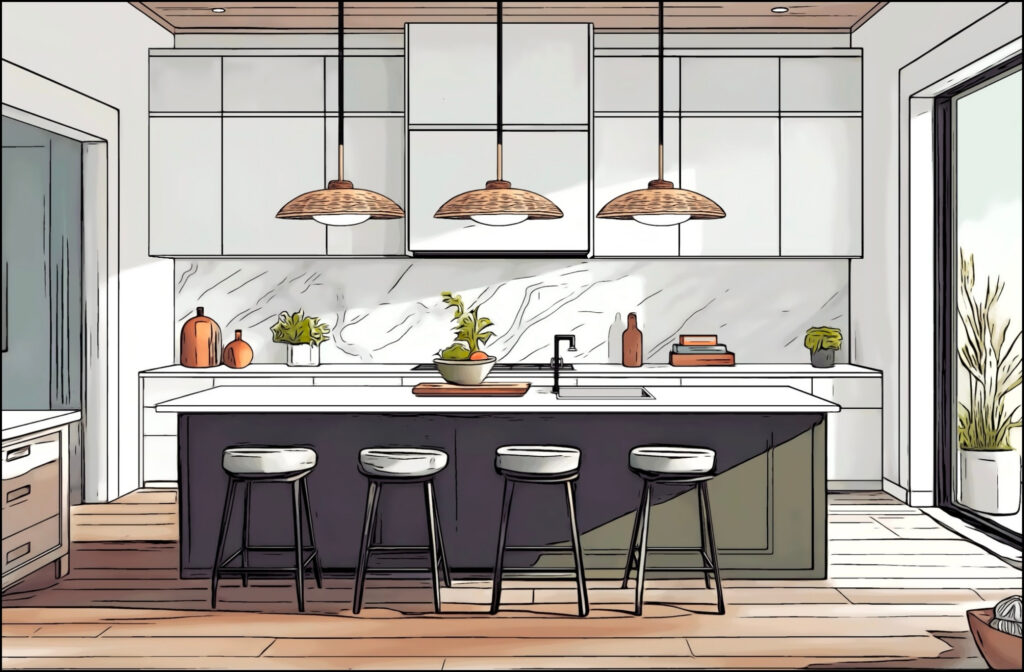
6. Coloring Kitchen Drawings On Printed Paper
Coloring kitchen pages with markers and colored pencils produces bright, detailed results. Start with markers for quick, even base colors on walls, cabinets, and floors. Switch to colored pencils for fine details, shading, and subtle texture.
When printing kitchen drawing pages Choose your paper carefully. Thin copy paper can buckle with water-based markers and will bleed with alcohol markers. A light marker wash might work, but heavy layers are risky.
Print kitchen-themed coloring sheets on thicker stock—cardstock or mixed-media paper at 80 lb / 120 gsm or higher. Smooth Bristol or dedicated marker paper is best for alcohol markers. Lightly textured paper suits colored pencils and lets you build rich layers without tearing
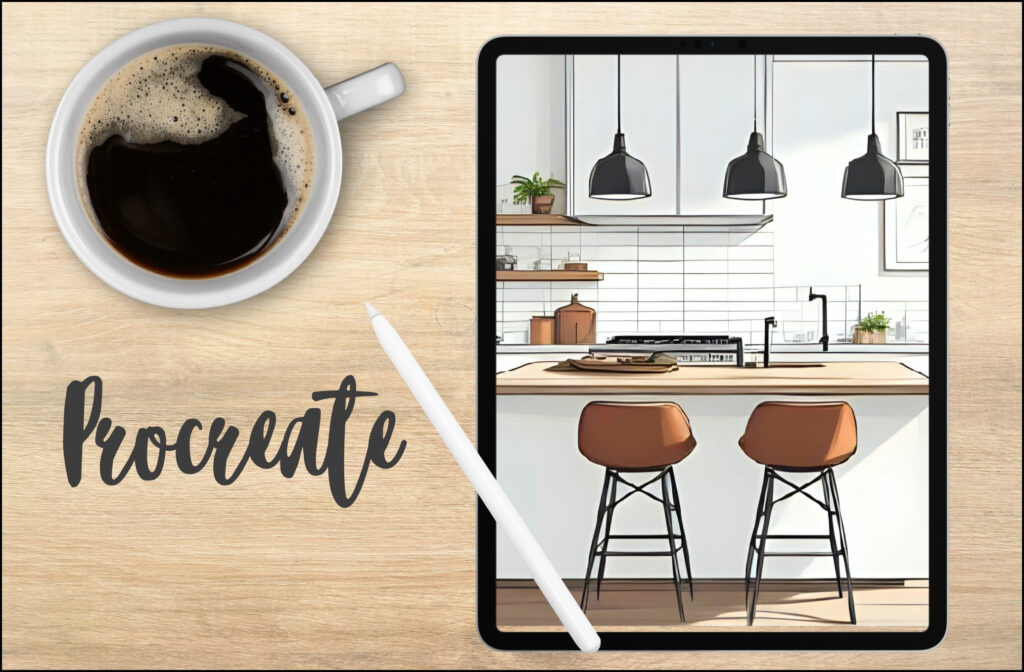
7. Coloring Kitchen Drawings On A Computer Or Tablet
Why Go Digital?
Kitchen-themed coloring sheets: Coloring kitchen drawings digitally—on a computer or tablet—offers a flexible, mess-free alternative to traditional methods. Apps like Procreate (for iPad) and Adobe Photoshop give you precise control and unlimited color options.
Unlike markers and pencils, digital coloring lets you undo mistakes instantly. You can try different looks using layers, so changes won’t affect the original lines. It’s a great way to experiment without pressure.
Coloring with a PDF Reader
Basic PDF readers like Adobe Acrobat Reader let you add simple color using annotation tools. It’s limited, but it works for quick fills and highlights.
To try it:
- Open your PDF file.
- Look for tools like “Comment,” “Annotate,” or “Fill & Sign.”
- Choose a color and click on the areas you want to fill.
Keep in mind, this method doesn’t allow for blending or detailed coloring.
Using Image Editing Software
Programs like Photoshop, GIMP (free), or Paint.NET let you take things further.
Here’s how:
- Open your kitchen drawing page (JPG or PNG).
- Create a new layer under the line art to avoid coloring over the outlines.
- Use the select tool to isolate areas.
- Fill them with the paint bucket tool, or use the brush for detailed work.
These tools offer more creative freedom, but there’s a learning curve if you’re new to digital editing.
Procreate for iPad
Procreate is a favorite for many digital artists and hobbyists. It’s powerful, intuitive, and packed with tools made for drawing and a great way to color kitchen coloring pages or to create your own Kitchen line art for coloring.
Alternatives include:
- Autodesk Sketchbook – free and available on multiple platforms.
- Adobe Fresco – Adobe’s dedicated painting and sketching app.
These apps offer layer control, custom brushes, and easy blending tools.
Coloring Book Apps
Do you prefer a simple interface? Try apps like Pigment, Recolor, or Colorfy. These are designed for casual digital coloring.
You can import your kitchen drawings and use features like:
- Auto “stay in the lines” coloring
- Pre-made color palettes
- Gradient and pattern fills
They’re beginner-friendly and great for relaxing without a steep learning curve.
Importing Your Kitchen Drawing
Once you’ve chosen your software:
- Use the “Import” or “Open” function to bring in your kitchen coloring pages.
- If it’s a PDF, you may need to convert it to JPG or PNG first.
- Always create a new layer below the line art before coloring.
Use tools like the lasso or magic wand to select areas cleanly. Fill large areas with the paint bucket, and use brushes for details. Play with blending modes like Multiply or Overlay for subtle shading.
Zoom in for precision and out for a big-picture view. Don’t forget to save often and export your finished masterpiece as a JPG or PNG.
8. Final Thoughts
Digital coloring is a fun, low-mess way to bring Kitchen drawing pages to life. Whether you prefer a powerful app like Procreate or a casual coloring app, you’ll find something that fits your style. Sign up for my email list and receive a free kitchen line art for coloring and start today!
Just remember: always work on a separate layer and enjoy the process!