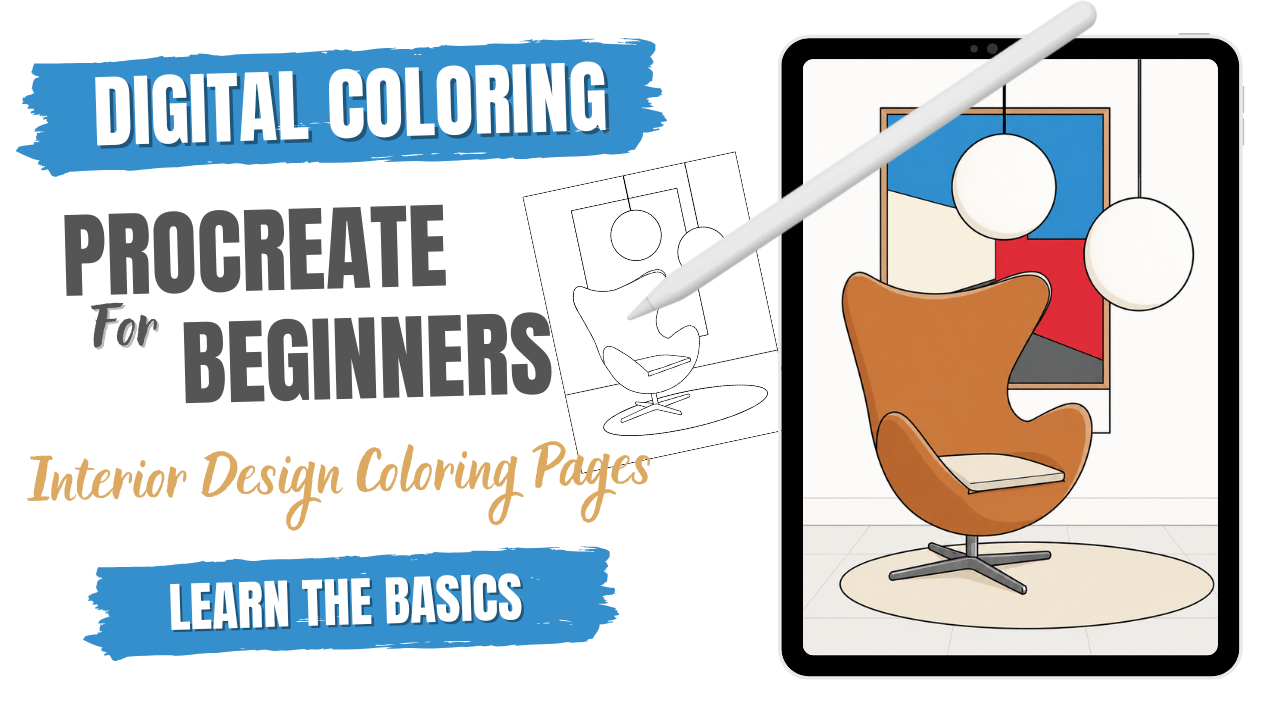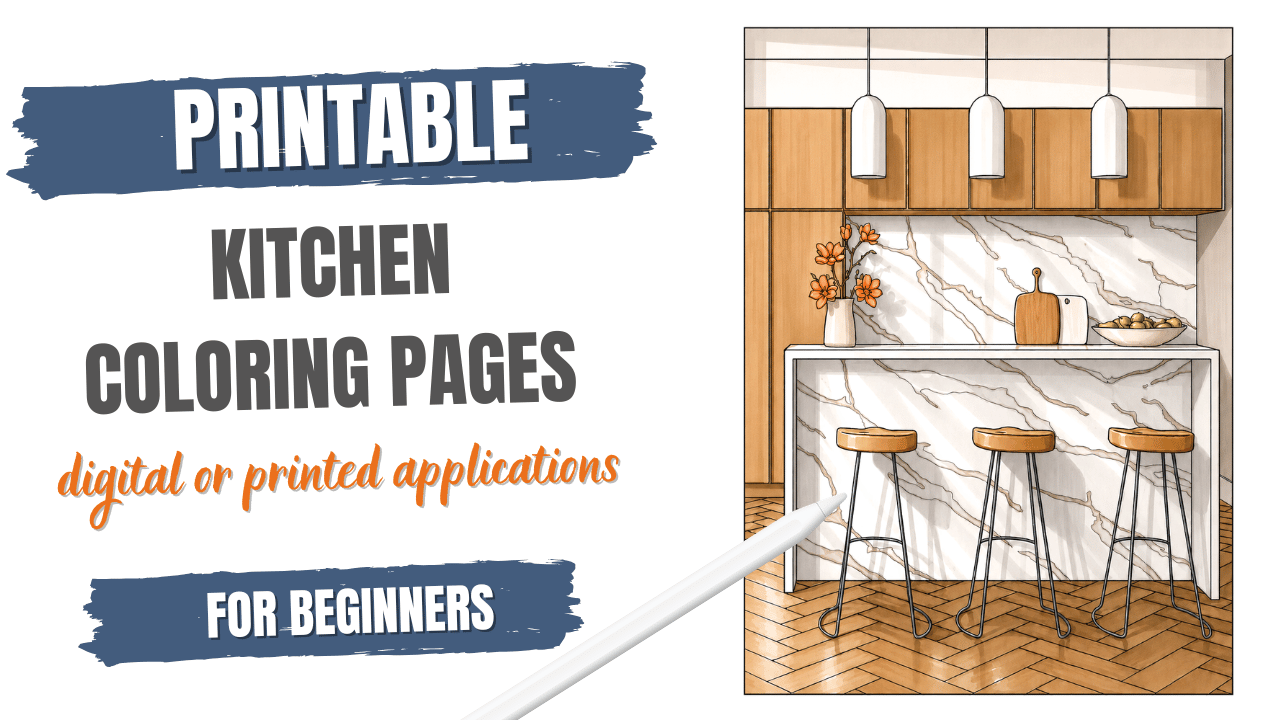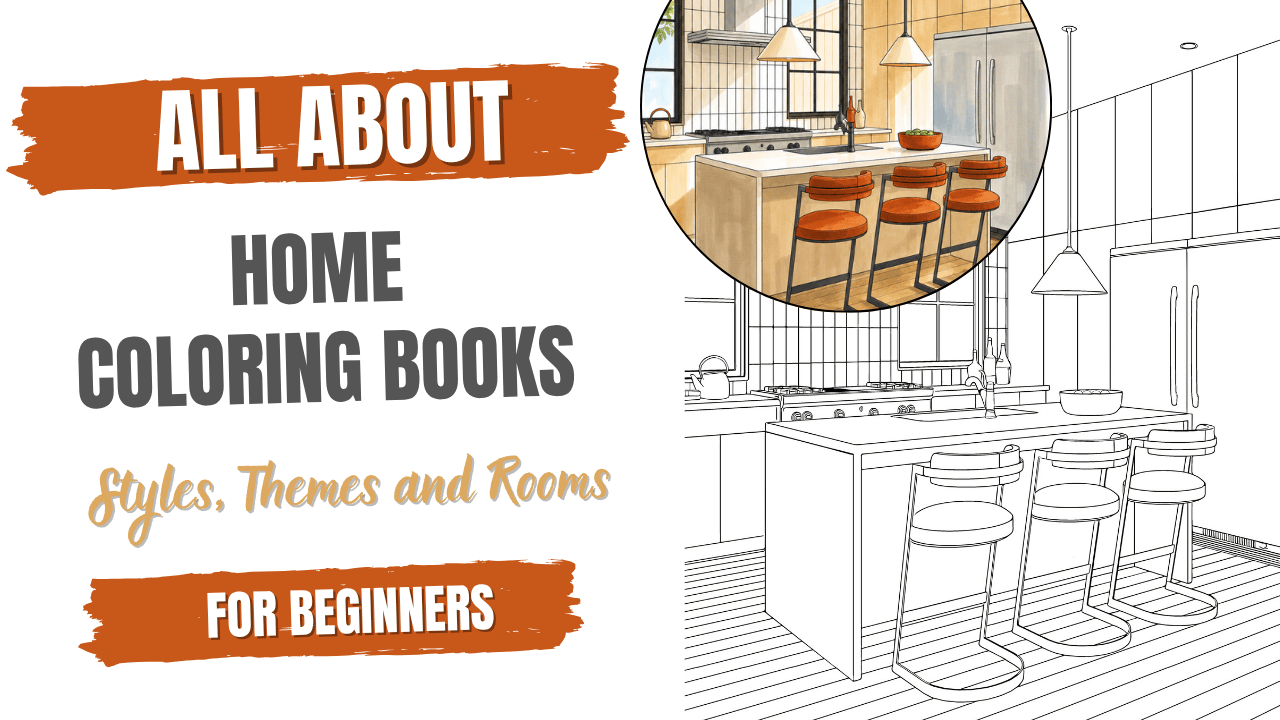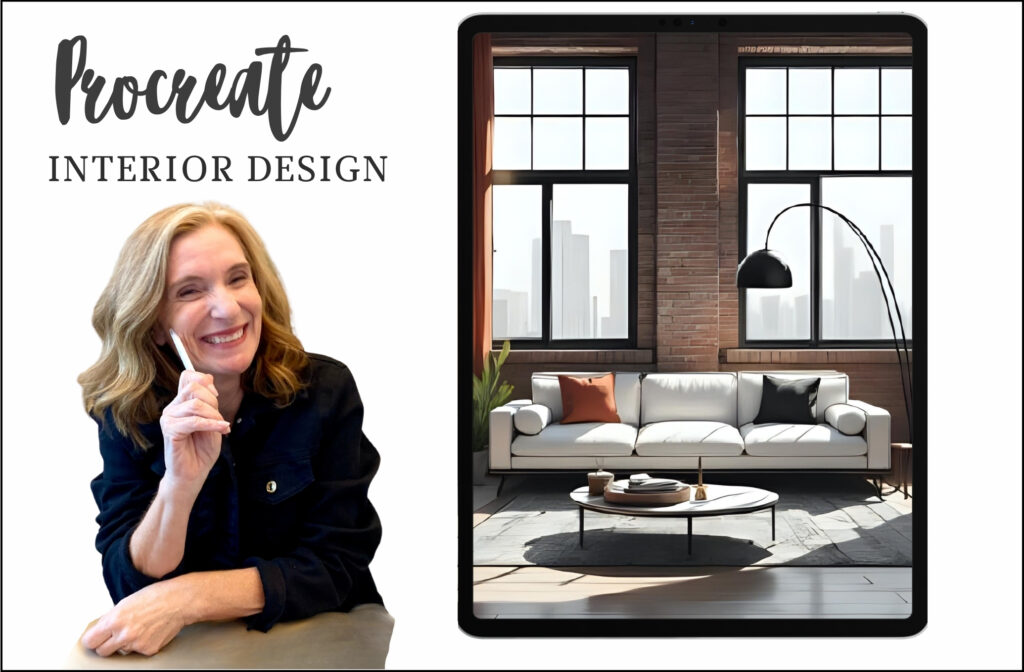
Procreate Home Design Sketches and Procreate Interior Renderings: If you are an interior designer or simply a design enthusiast looking for a flexible, intuitive way to bring your ideas to life, Procreate Interior Design on iPad might just be your new favorite tool. Whether you’re a seasoned pro or just dipping your toes into digital design, this app makes sketching, planning, and presenting your concepts feel effortless—and dare I say, fun.
Forget the clunky CAD software and endless tutorials. Procreate offers a clean, user-friendly interface that lets you focus on creativity, not complexity. And with its affordable price tag, it’s a smart investment for designers at any level
ARTICLE OUTLINE
- Interior Design on iPad Procreate
- Procreate for Interior Designers
- Why Choose Procreate Over Other Apps
- Key Procreate Features for Interior Designers
- Using Procreate for Interiors: Tips
- Interior Design Procreate Workflow
- Final Thoughts
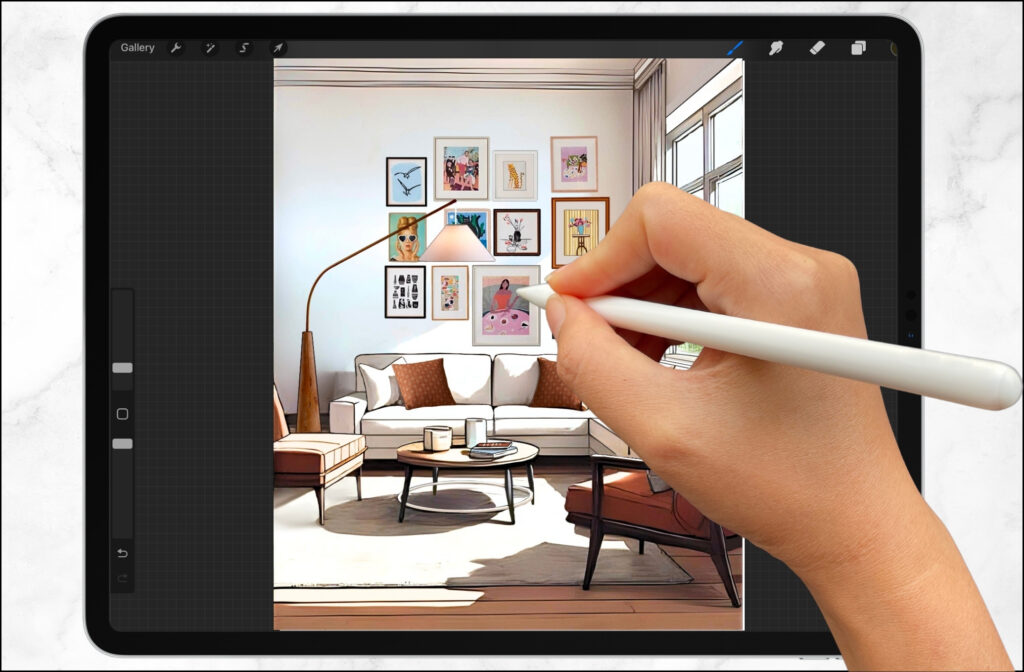
Interior Design on iPad with Procreate
The iPad + Procreate combo is a dream setup for interior designers who want portability without sacrificing performance. You can sketch on-site, in client meetings, or from your favorite cozy corner. It’s like having a digital sketchbook that’s always ready to go.
With its intuitive interface and budget-friendly pricing, Procreate makes it easy to start digital sketching without the steep learning curve of traditional interior design software like CAD.
Procreate home design sketches and Procreate Interior Renderings: From concept development to client presentations, Procreate offers a flexible and creative platform that enhances productivity and brings design ideas to life.
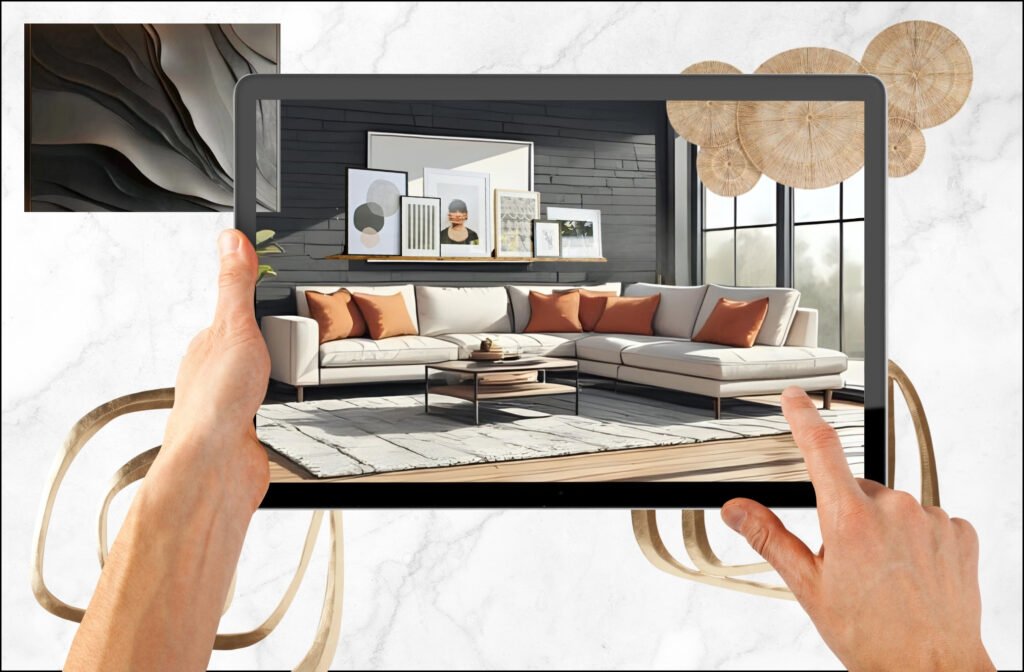
Why Choose Procreate Over Other Interior Design Apps?
When it comes to digital design tools for interior renderings, the choice between Procreate vs Photoshop (or other advanced software) really comes down to your workflow, budget, and how you like to create. Both platforms offer powerful features, but they serve different purposes—and for many interior designers and cratives, Procreate hits the sweet spot.
I personally chose Procreate for interior design because it’s intuitive, portable, and affordable. Unlike Photoshop, which can feel overwhelming with its steep learning curve and subscription model, Procreate offers a streamlined experience that lets me sketch, render, and present ideas without the technical fuss.
Here’s why Procreate stands out:
- ✅ User-friendly interface: No need to spend hours learning menus—just open the app and start sketching.
- 💼 Professional-grade tools: Layers, blending modes, and custom brushes give you serious creative control.
- 💻 iPad portability: Sketch on-site, in meetings, or wherever inspiration strikes.
- 💰 One-time purchase: No monthly fees, just a single affordable investment.
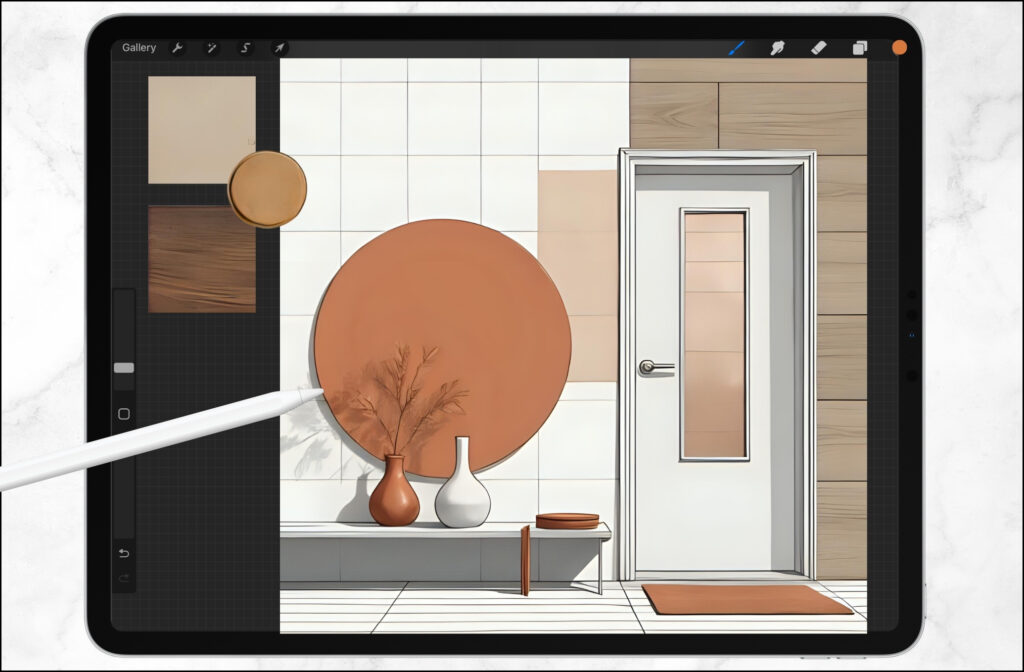
Why Procreate Works for Interior Designers
Procreate isn’t just for illustrators—it’s a powerful tool for interior designers too. You can:
- Sketch room layouts and furniture arrangements
- Procreate home design sketches
- Procreate Interior Renderings
- Render perspective drawings and spatial concepts
- Build mood boards and material palettes
- Experiment with color schemes and finishes
- Present polished visuals to clients quickly and professionally
It’s all about speed, flexibility, and creative control.
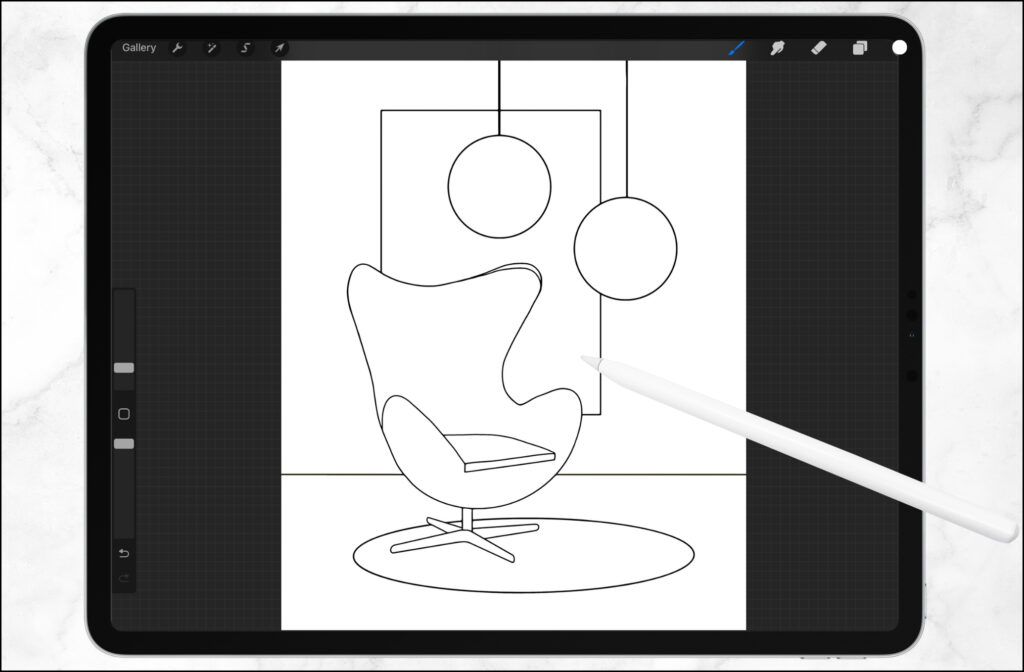
Key Procreate Features Interior Designers Love
Here’s what makes Procreate stand out:
- Layers: Organize your sketches, notes, and design elements without clutter
- Blending Modes: Add depth and realism to your renderings
- Brush Customization: Mimic pencils, markers, paint, or even texture swatches
- Quick Adjustments: Resize, rotate, and tweak elements on the fly
These features make it easy to iterate and refine your ideas without starting from scratch.
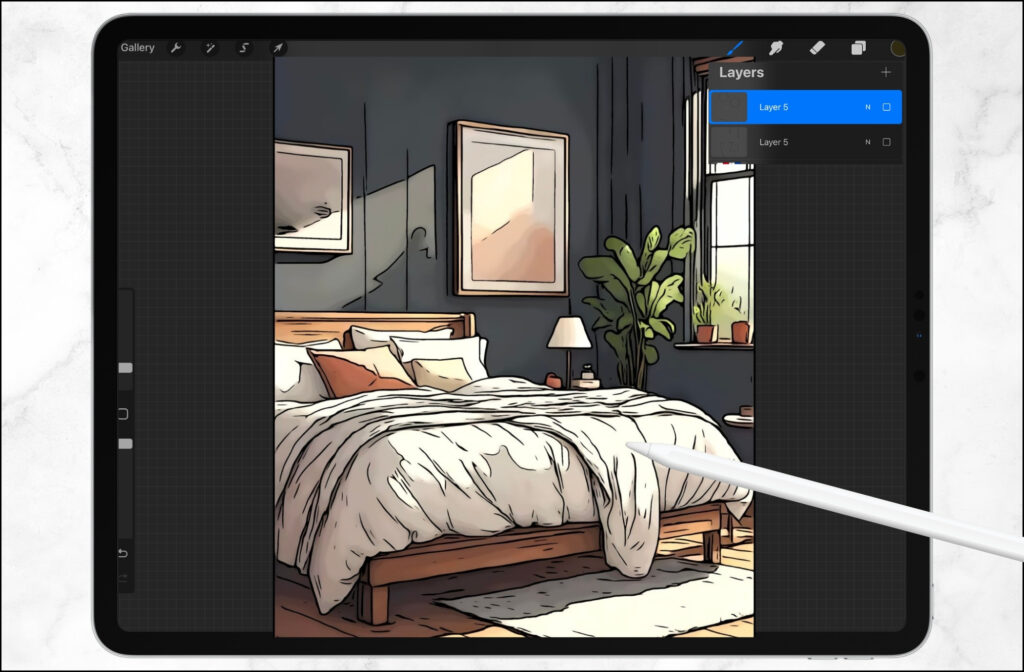
Tips for Using Procreate in Interior Design Projects
- Start with a template: Import floor plans or sketches to build on
- Use reference images: Drop in photos of materials, furniture, or inspiration
- Create custom brushes: Simulate textures like wood grain, tile, or fabric
- Organize with layers: Keep your workflow clean and editable
- Export for presentations: Save high-res images or PDFs to share with clients
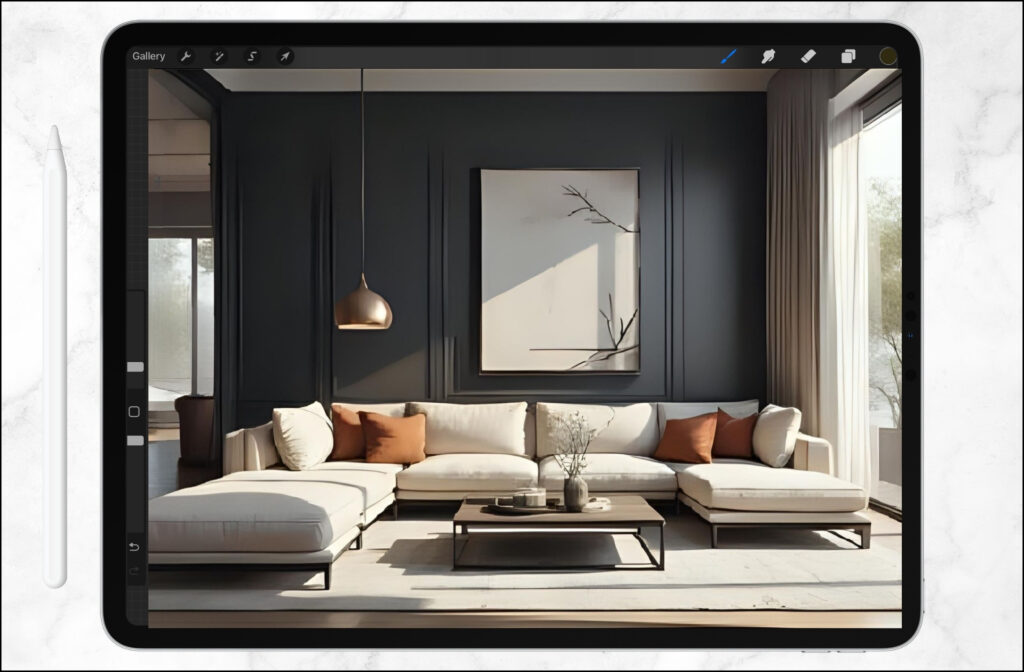
Interior Design Workflow with Procreate
Here’s how a typical design flow might look:
- Import a floor plan or start with a blank canvas
- Sketch layout ideas and furniture placement
- Add color palettes and material swatches
- Layer in textures and lighting concepts
- Export visuals for client feedback or team collaboration
It’s fast, intuitive, and keeps your creative momentum going.
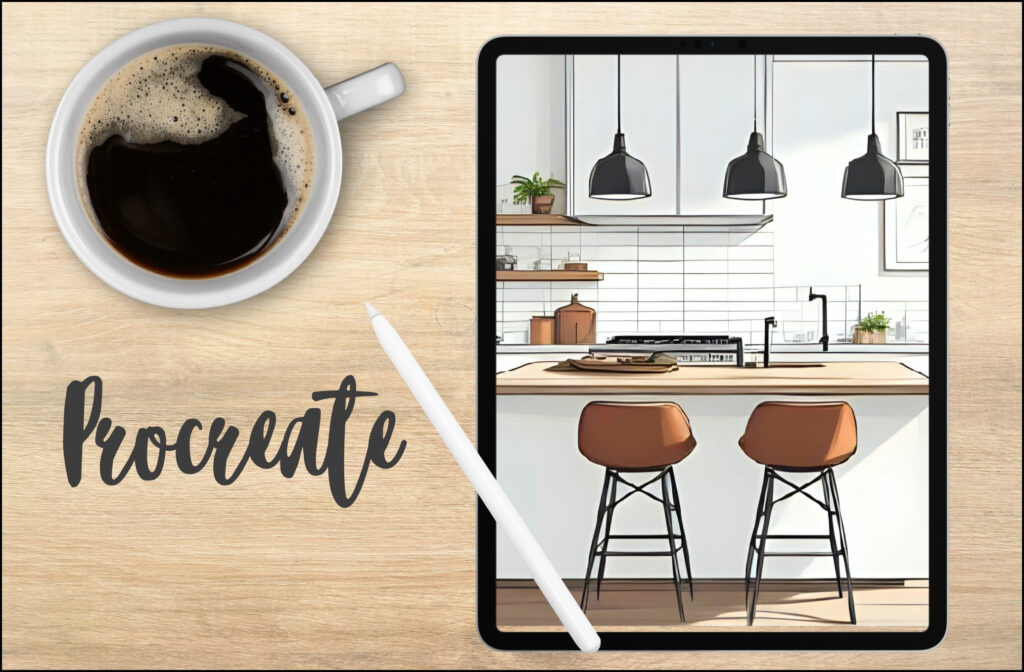
Final Thoughts: Why Procreate Belongs in Your Design Toolkit
Procreate bridges the gap between traditional sketching and digital design. It’s portable, powerful, and surprisingly easy to learn. Whether you’re sketching a quick concept or building a full presentation, Procreate gives you the tools to create with confidence and clarity.
If you’re ready to upgrade your workflow and embrace a more fluid, creative process, Procreate for interior design is absolutely worth exploring.